Alltesting Cloud Real‑Device

Alltesting Cloud Real‑Device

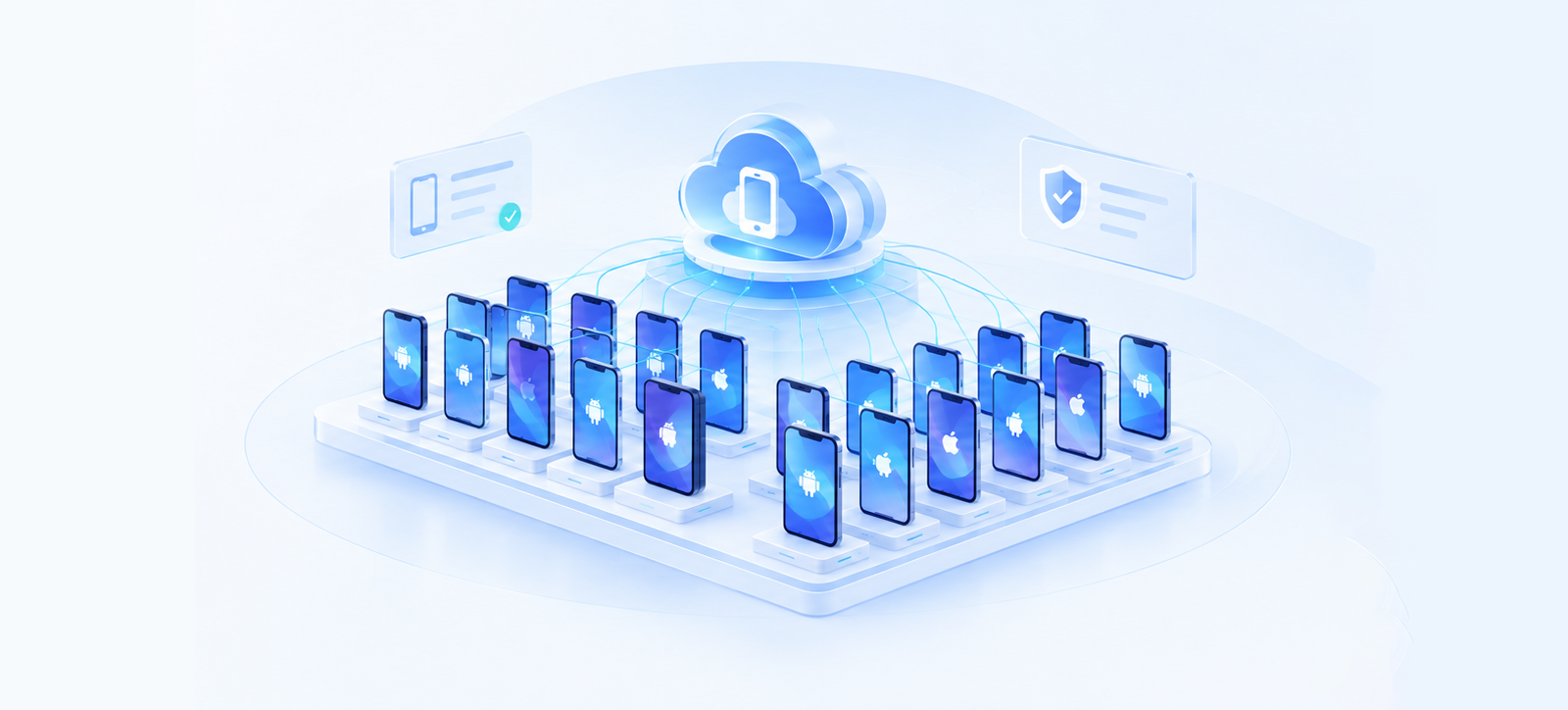
Access cloud‑hosted mobile devices via web browser for smooth, stable, secure and efficient debugging and testing of mobile applications.

Platform Functions

Task and Defect Management interface

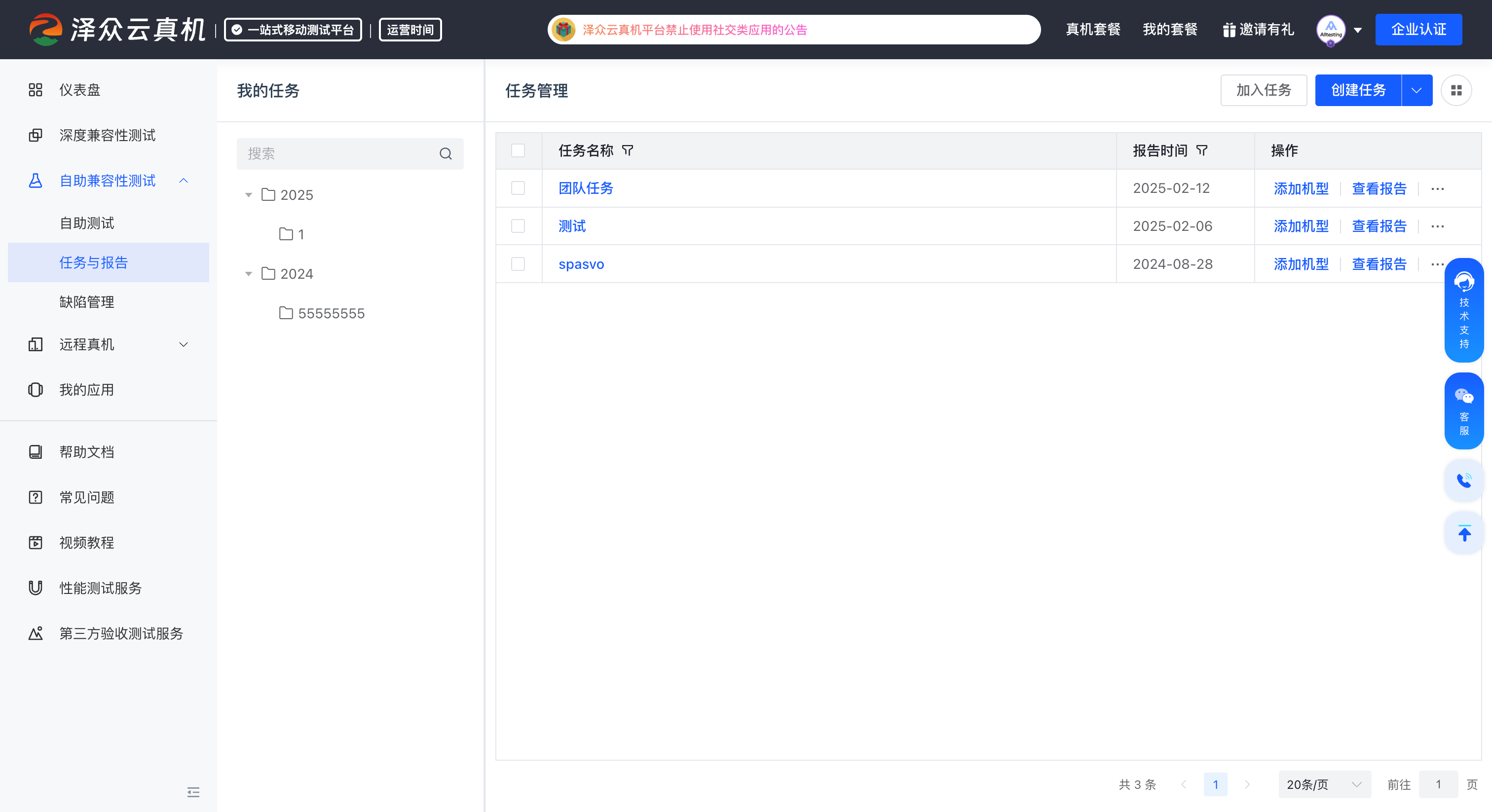
Task and Defect Management

Able to create tasks, add test devices and generate invitation codes for team members to join and collaborate on work tasks, improving collaboration and execution efficiency. Integrated lightweight defect management tool. Submitted defects can be linked to tasks, and real‑device debugging screenshots can be uploaded.
Professional Test Reports interface

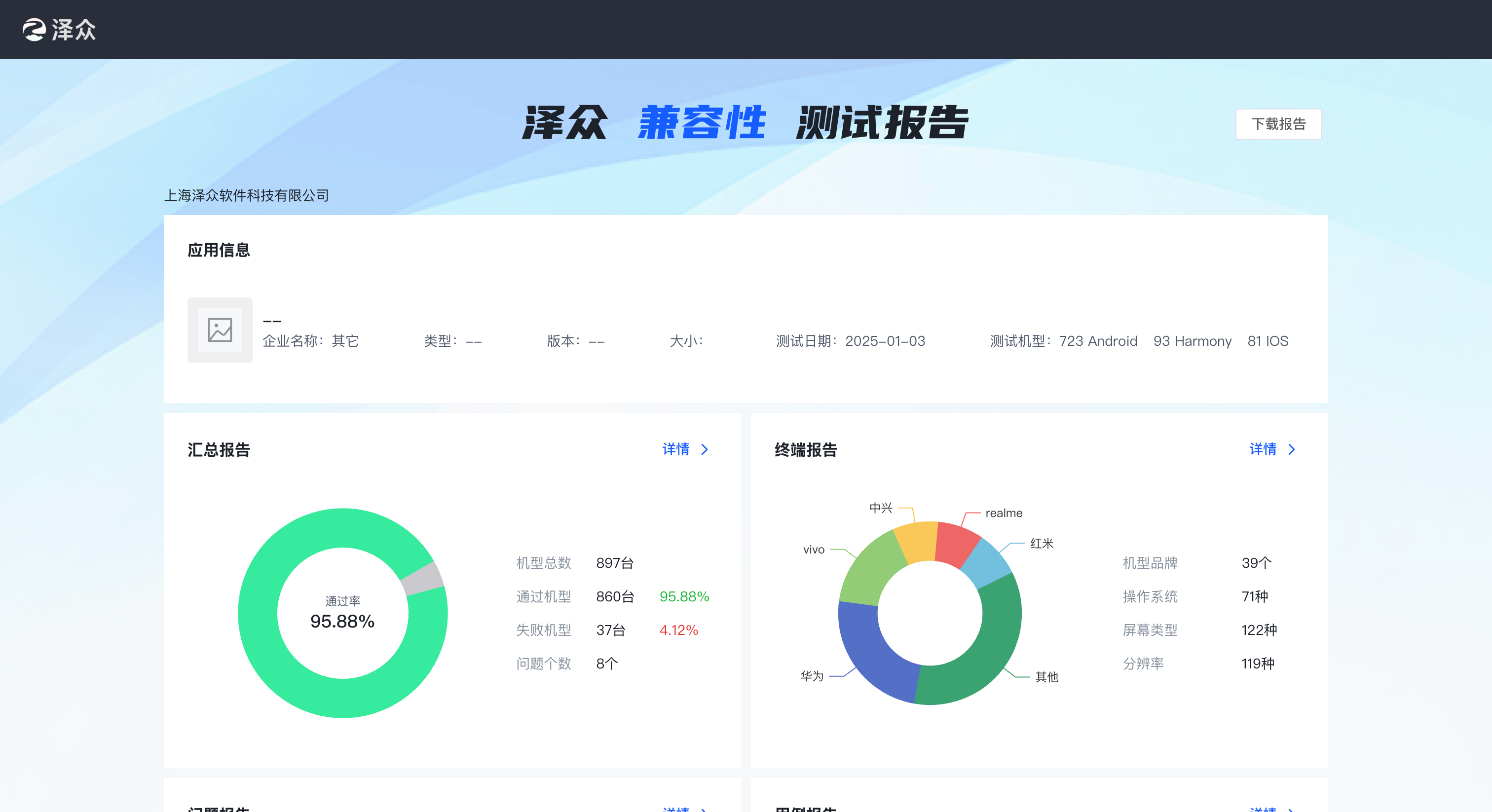
Professional Test Reports

Automatically generate compatibility test reports upon task completion, including application information, summary report, device report, issue report, performance report and more. Expert review is available to ensure report accuracy.

ADB Debugging Function interface

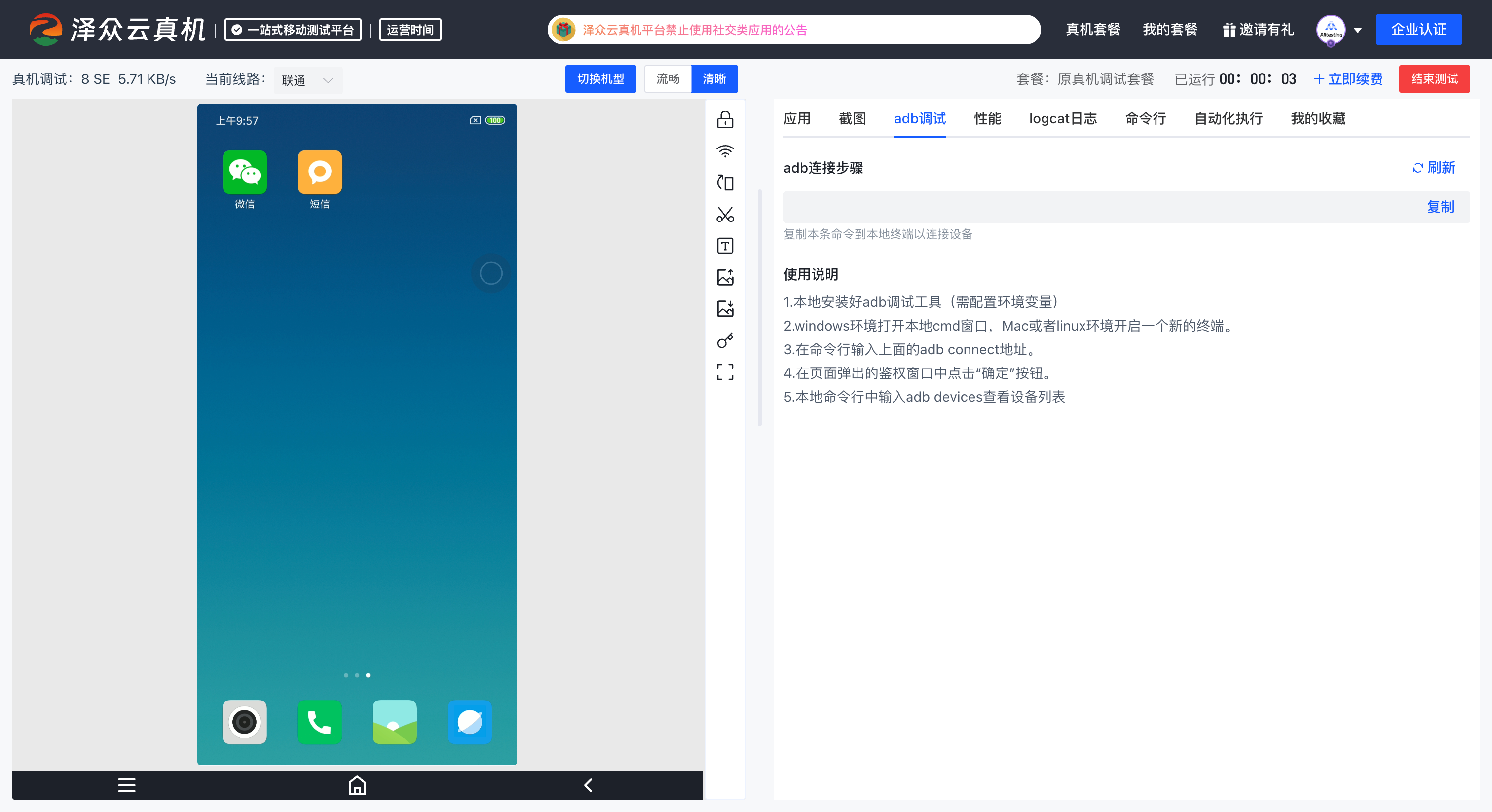
ADB Debugging Function

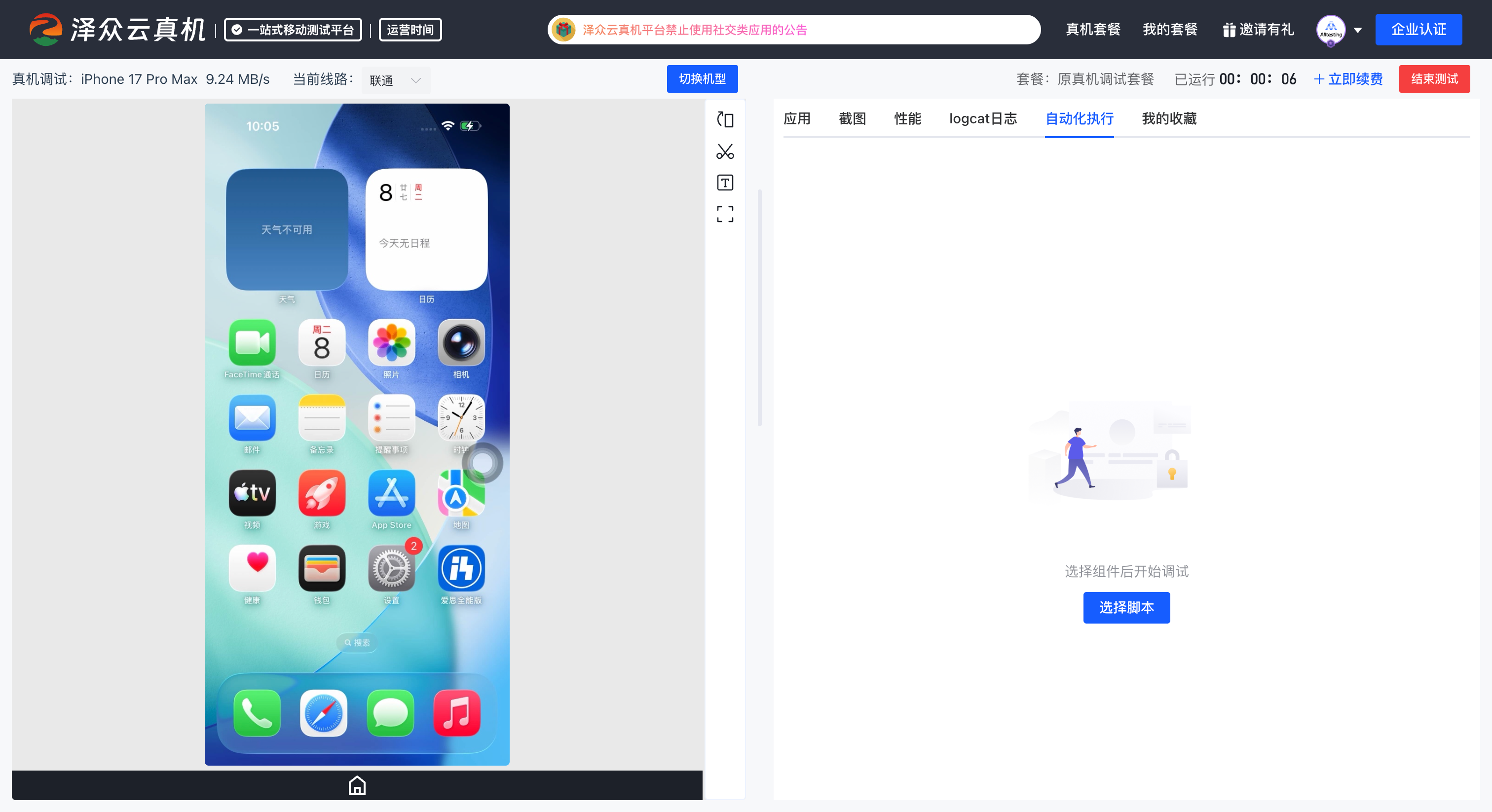
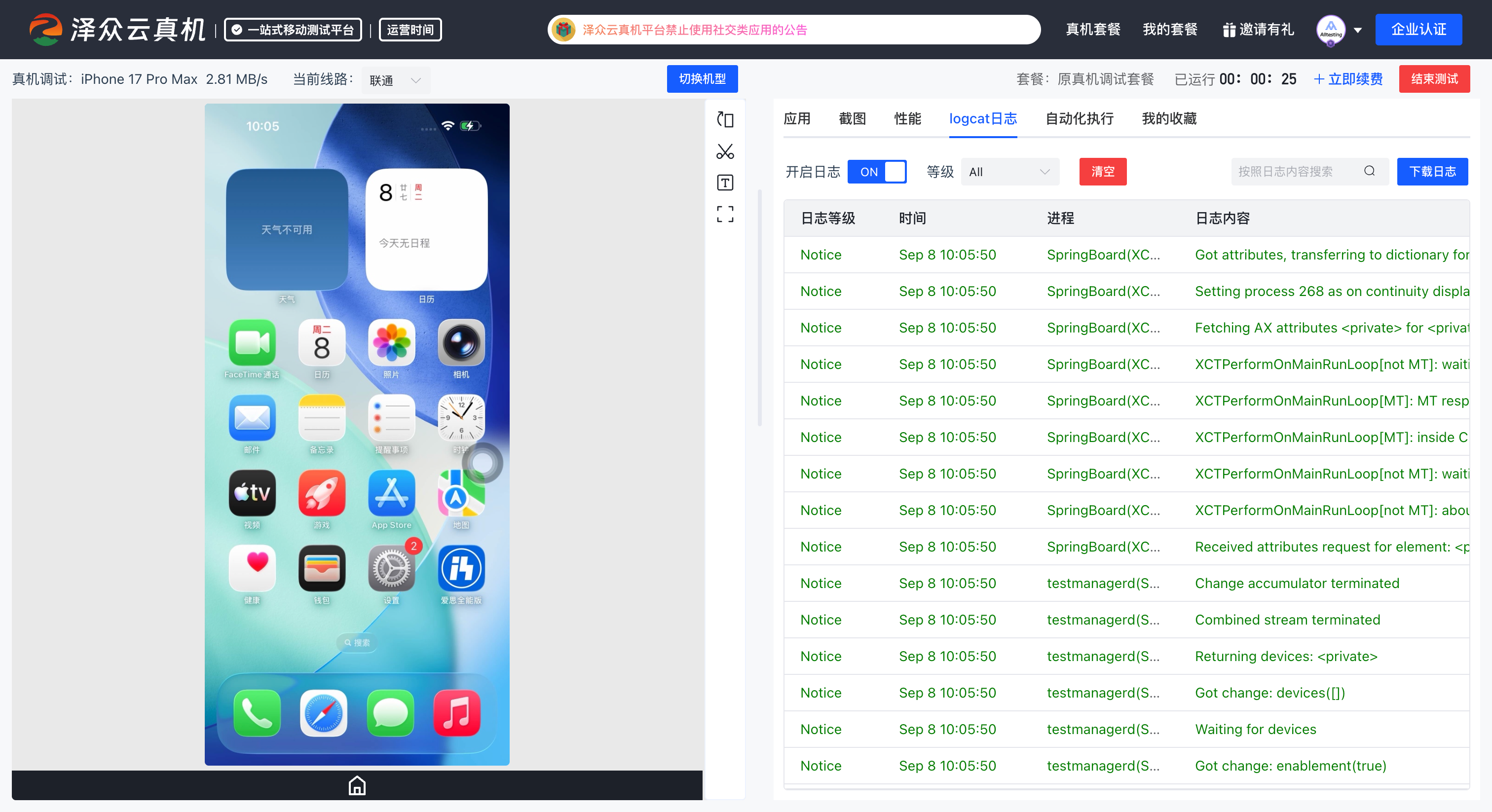
Users enter the real‑device debugging page, where the "ADB Debugging" button is available in the menu. Follow the provided steps to perform local ADB debugging.

User‑friendly Mobile Automated Testing interface

User‑friendly Mobile Automated Testing

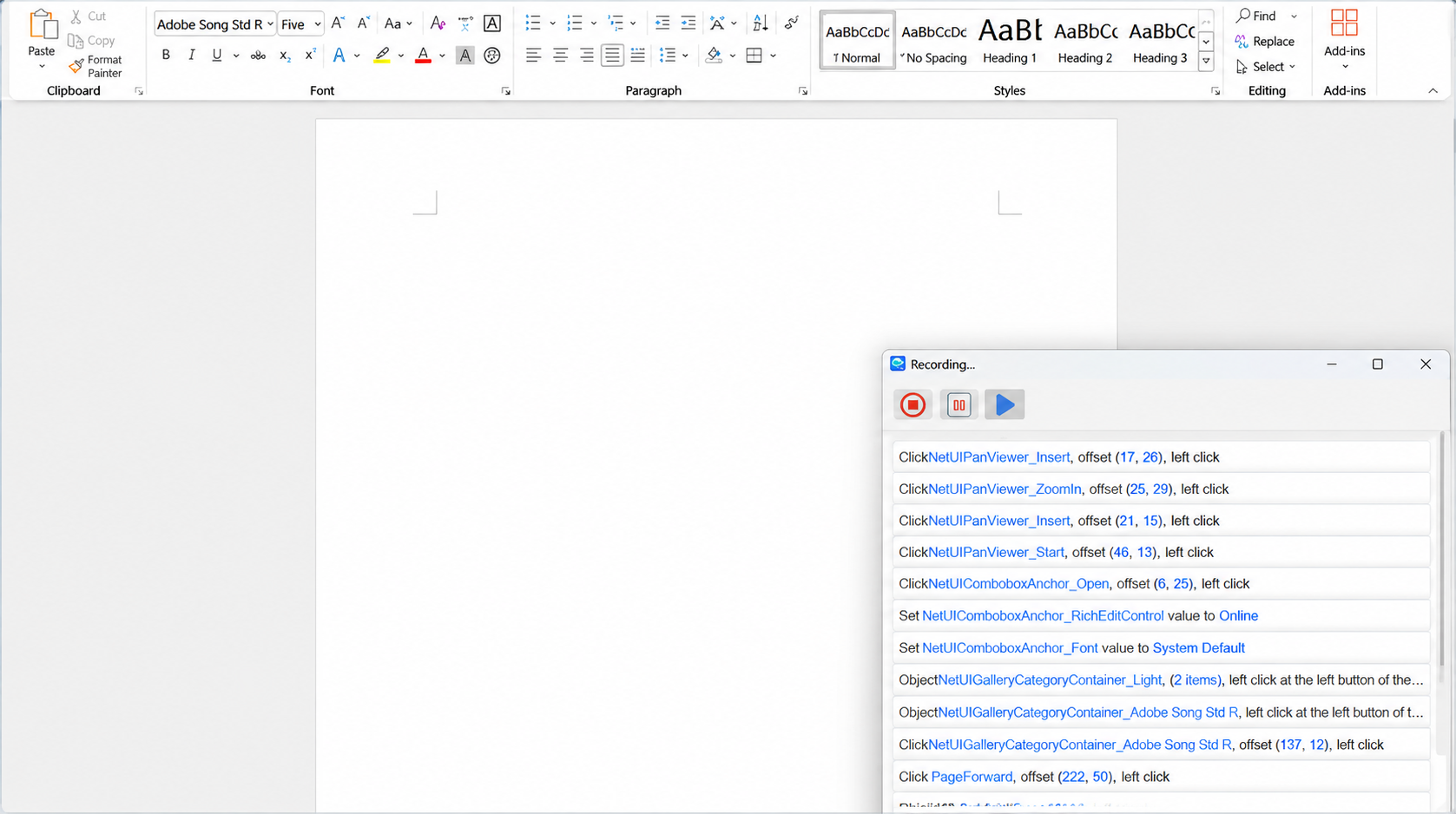
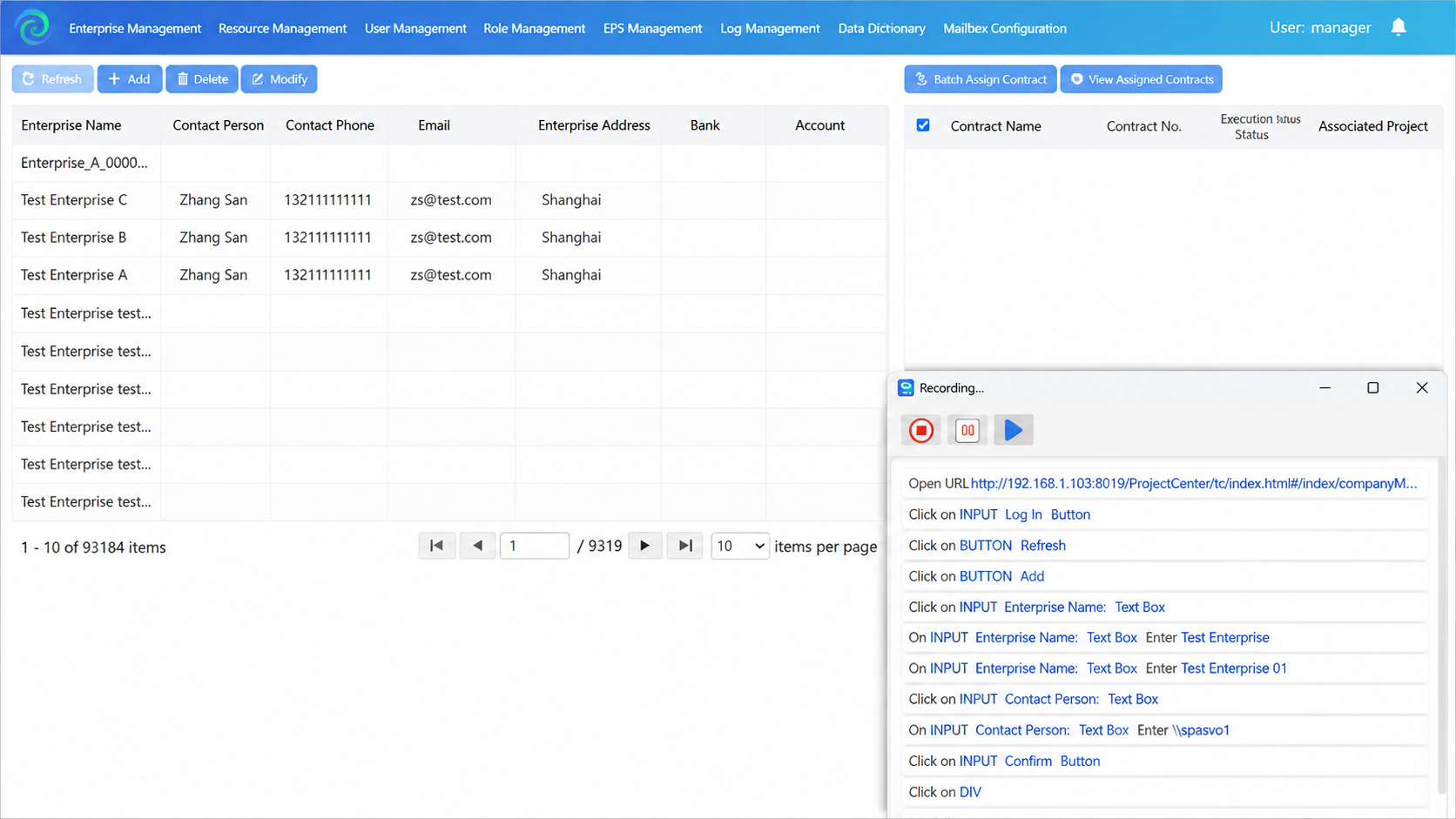
Provides test management‑related features, including creating directories, adding scripts, enabling devices, script recording, XPath authoring, OCR text recognition, parameter configuration, checkpoint setup, playback, and playback logs.

Log Acquisition interface

Log Acquisition

Users can access real‑time device logs online on the real‑device debugging page. The "ADB Debugging" button is available in the menu. Follow the steps to capture device logs via ADB commands on your local computer.

Performance Testing interface

Performance Testing

Detect potential performance issues via real‑device cloud performance monitoring. Track performance metrics such as memory, temperature, FPS and CPU curves to uncover hidden performance risks.

Multi‑device Collaboration interface

Multi‑device Collaboration

Multi‑device Collaboration supports simultaneous, same‑screen and synchronized operations across multiple devices. Conduct multi‑device debugging and testing in one run, and automatically generate ADB logs for all connected mobile phones.

Pocket Real‑device interface

Pocket Real‑device

Use Pocket Real‑device to conveniently access cloud‑based mobile devices anytime and anywhere. Perform cross‑device and cross‑system operations for real, efficient mobile APP debugging and testing.

Media Audio Support interface

Media Audio Support

Filter devices running Android 10 and above, as well as HarmonyOS 2.0 and above. After enabling the audio feature, turn on your computer audio to hear media sound from apps on cloud real‑devices. This unlocks more online test scenarios, such as audio testing for short‑video, music and game applications.

Other Features interface

Other Features

Mobile RPA (Under construction...), local device access management service, screen lock, network connection, landscape mode, value assignment, screenshot, image upload, image download, full‑screen display, app upload, installation & uninstallation, command‑line operations, and more.

Platform Advantages

Rich device models, smooth operation and high‑definition display

Boasting over 1,200 device models on the market, covering more than 40 resolutions and 50 system versions, it accurately serves over 90% of target user groups.

AI‑powered Automated Testing Technology

It features a clean interface and well‑organized layout for easy adoption. Even non‑professional testers can quickly master its operations, with online support provided by a professional technical team.

Supports self‑service compatibility testing

A compatibility test report is automatically generated upon task completion. The comprehensive report includes screenshots and log data files.

Rich Test Reports

It includes application information, summary reports, terminal reports, issue reports, performance reports and so on. Reports are auto‑generated and reviewed by experts to guarantee accuracy.

Pocket Real‑device

Use Pocket Real‑device to conveniently operate cloud‑based mobile devices across different phones and systems anytime, anywhere. Achieve real and efficient debugging and testing for mobile applications.

Together there's nothing we can't deliver

We've helped companies just like yours accelerate with confidence

Client logo
Client logo
Client logo
Client logo
Client logo
Client logo
Client logo
Client logo

Consult online to obtain product demos, trial access and customized solutions.

Get it free
2003-2026 Copyright © Shanghai ZeZhong Software Co.,Ltd.